
HVAC SERVICERobert Thompson123 Main St, Springfield 12 min away
Pro Suite Operations for iOS
Your operation goes wherever the job takes you.
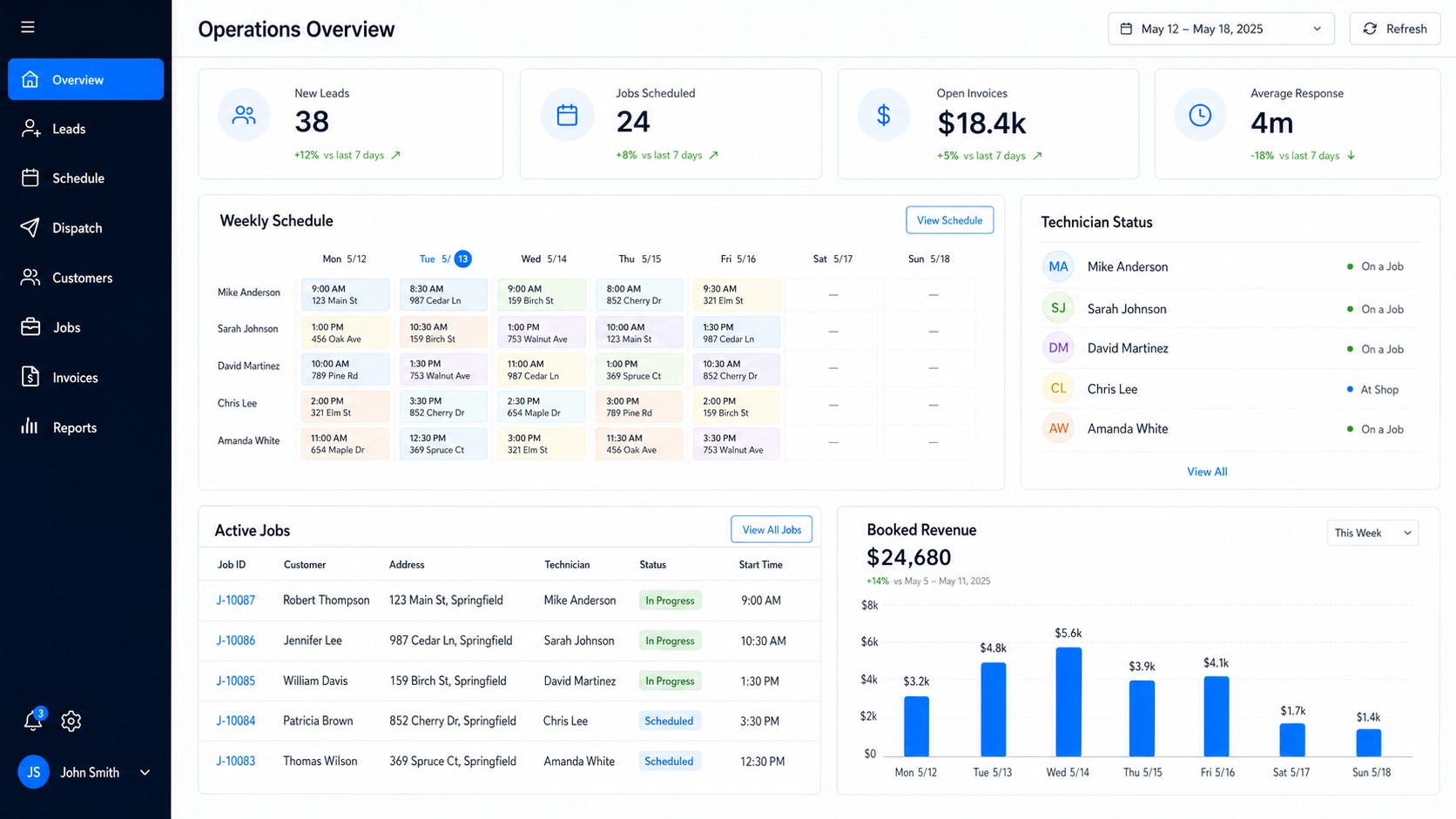
Give your office and field team live access to schedules, customers, job details, photos, notes, estimates, invoices, and payments from iPhone and iPad.
Live schedules & job detailsPhotos, notes & signaturesEstimates, invoices & paymentsBuilt for iPhone & iPad
9:41
Good morningToday's jobsMA
Job detailsAC not cooling
CustomerView history
InvoiceCreate in field
HomeScheduleAccount
FIELD OPERATIONS IN YOUR POCKET
Everything your team needs between the office and the jobsite.
Keep every handoff connected without calls, paper notes, or waiting until the technician returns to the office.
See the live schedule
View assigned work, customer details, addresses, timing, and job status in one place.
Document every job
Capture photos, notes, equipment details, checklists, and customer signatures from the field.
Finish and get paid
Create estimates and invoices, collect payments, and keep the office updated as work is completed.
Stay in sync
Changes made by dispatchers and technicians stay connected across phones, tablets, and desktop.
1
Download the appOpen the secure iOS download destination.
2
Sign in to Pro SuiteUse your existing Operations account.
3
Download for iOSTake work into the fieldYour schedule and jobs are ready to go.